
The right detail.
Easy to find.
Product Tabs · Chapter. Per-product and saved global tabs. A maintained replacement for Custom Product Tabs, free and Pro features in one plugin.
£3.99/month or £39/year
A more useful journey.
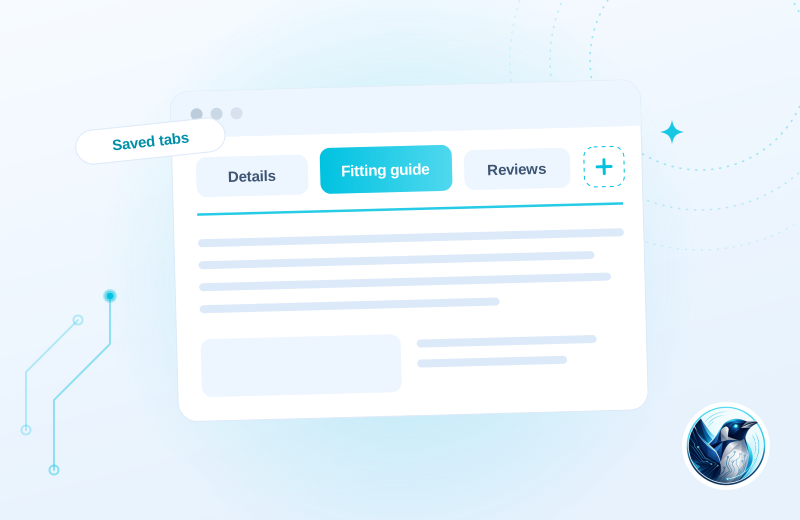
A range of products shares the same care instructions. One saved tab supplies that information, while individual products keep their own specifications.
Write it once
Create a saved tab for shared information or a custom tab for one product.
Put it in context
Assign the tab to the relevant products alongside their usual WooCommerce tabs.
Keep it current
Edit shared content centrally and check how your theme presents it.
Illustrative use case based on the reference build. Configuration depends on your site.
What it does.
Custom Product Tabs by YIKES was the standard way to add extra tabs to WooCommerce products. The company went back to agency work, the plugin changed hands, and owners of the Pro version now report licensing servers failing and support going unanswered.
We ran it on our own stores, so we had the same problem. FP Product Tabs is our replacement. It covers the free and Pro feature set in one plugin, imports your existing tabs, and we maintain it because our own shops depend on it.
- Per-product custom tabs with full rich text editing
- Saved tabs you write once and apply to any number of products
- Imports your existing Custom Product Tabs data in one step
- Tabs render through the standard WooCommerce tab filter, so themes style them natively
Moving from Custom Product Tabs for WooCommerce (YIKES), free and Pro?
Review existing data and settings on a staging copy, keep a backup and test your important journeys before switching. Test imported tabs and rich text on representative products. Your theme still determines the final tab styling and mobile presentation.
Choose the plan. Check the fit.
Test imported tabs and rich text on representative products. Your theme still determines the final tab styling and mobile presentation.
How to get started
Review your setup
Check the requirements below. Keep a backup and prepare a staging copy before installation.
Choose monthly or annual
Subscribe for the ZIP download, updates and support while your subscription is active.
Test the complete journey
Review the example above against your own data. Check the relevant customer or staff journey before launching.
Build & installation details
- Installed plugin name
- FP Product Tabs
- Catalogue version
- v1.0.8
- Requirements
- WordPress 6.0+, WooCommerce 7.0+
- Delivery
- Plugin ZIP download
Before you get started.
Answers about the build, the setup and what to check.
I use the old YIKES plugin. Will I lose my tabs?
No. The importer reads your existing tab data and brings it across as it stands. Your product pages look the same afterwards.
Free version and Pro both?
One plugin, everything included. We did not see the point of crippling the free features to sell an upgrade.
What should I check before using this?
Test imported tabs and rich text on representative products. Your theme still determines the final tab styling and mobile presentation.
How is this supplied?
Subscribe monthly or annually, then download the plugin ZIP. Updates and support are available while subscribed. Test the setup before replacing an existing plugin.
Will it work with my current setup?
The catalogue requirements are WordPress 6.0+, WooCommerce 7.0+. Check your theme, connected plugins and the workflow described above. Send us your site and the integrations you use if you need a compatibility review.
Is this part of the Penguin Toolkit?
Yes. The Toolkit covers subscribable plugins for up to five stores. An individual subscription covers one store.
Useful reading
Official WordPress and WooCommerce guides to the underlying tasks. These cover the platform, rather than this plugin’s configuration.
Keep the journey moving
Related plugins for the next part of your workflow.
 Product Buying Guides · GuidepostPut the right buying guide beside the right product.
 Product Page Layout · ShowcaseA product-page layout built around one catalogue’s buying decisions.